
Prerequisites:
(1)Students – Need to be connected to the ( Red&Yellow-Students ) network.
(2) Must have logged in to any of the Macs in the labs to confirm that the password has not expired
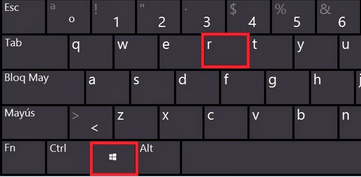
- Hold down the Windows Key + r combination on your keyboard. “The run dialog box will open.”
2. Type in \\192.168.11.1 “To access the location of the Student printer drivers” > Click Ok.
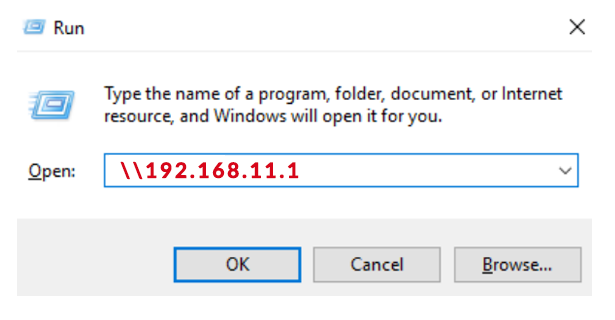
You will be Prompted to Enter the Network Credentials for the User.
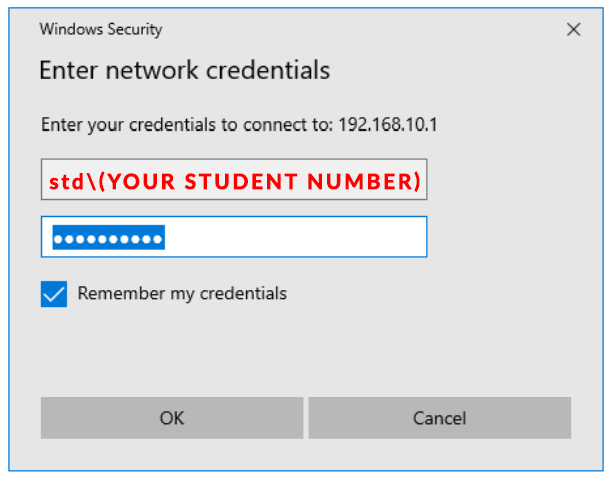
3. Type in “Username” std\(Student Number) followed by your “Password” * then Click Ok. ( Make sure you tick on ‘Remember my credentials
NB: Make sure that the username starts with std\ and not just your student number
The shared network printers will open.
4. Double Click on the itecColour printer to install the windows printer driver.
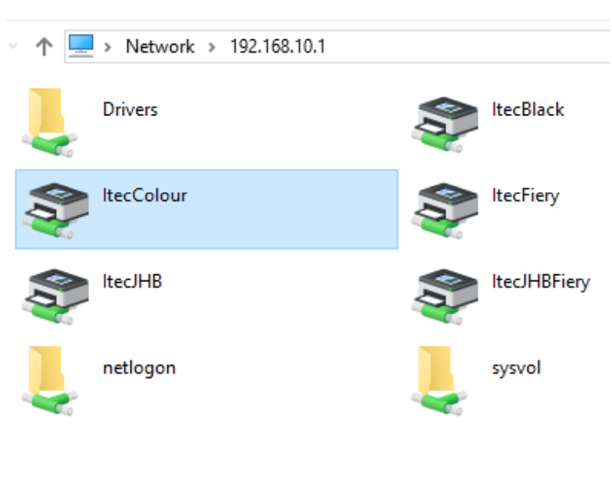
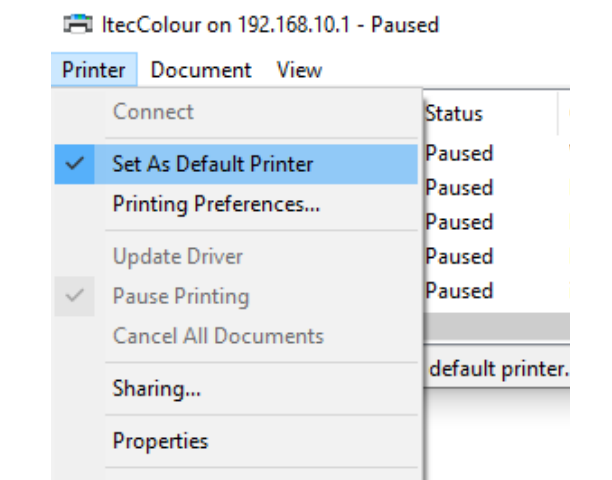
5. Set the printer as default printing device.
6. Print a test page